

Exploring Autodesk Revit 2026 for Architecture, 22nd Edition
Product details
| Management number | 231886596 | Release Date | 2026/06/18 | List Price | US$14.20 | Model Number | 231886596 | ||
|---|---|---|---|---|---|---|---|---|---|
| Category | |||||||||
Exploring Autodesk Revit 2026 for Architecture is a comprehensive book written to cater to the needs of the students and the professionals who are involved in Building Information Modeling (BIM) Profession. Revit 2026 book is a gateway to power, skill, and competence in the field of architecture and interior presentations, drawings, and documentations. In this Revit book, the author has emphasized on the concept of designing, creating families, massing, documentation, rendering orthographic/perspective views of building and usage of other advanced tools. In addition, Revit 2026 for Architecture book covers the description of various stages involved in rendering the model in Enscape plug-in.In this book, the chapters have been punctuated with tips and notes that provide additional information on the concept and the functioning of the tools and commands is explained with the help of suitable examples for better understanding. The simple and lucid language used in Revit 2026 book makes it a ready reference for both beginners and intermediate users. This book is also an ideal guide for students who are appearing for Autodesk Revit Certified Professional and Revit Certified User Exams, especially for Architecture. Also, it can be used as a guide for students and professionals who are planning to make their career in BIM industry.Salient FeaturesDetailed explanation of architectural tools of Autodesk RevitHeavily illustrated textIntroduction to Enscape Rendering and AI ToolReal-world structural projects given as tutorialsTips and Notes throughout the textbookSelf-Evaluation Tests, Review Questions, and Exercises at the end of the ChaptersBIM Concepts for toolsTable of ContentsChapter 1: Introduction to Autodesk Revit 2026 for ArchitectureChapter 2: Starting an Architectural ProjectChapter 3: Placing Architectural WallsChapter 4: Adding Doors, Windows, and OpeningsChapter 5: Modifying Building ElementsChapter 6: Working with Datum Plane and Creating Standard ViewsChapter 7: Adding Floors, Roofs, Ceilings, and RoomsChapter 8: Adding Stairs, Railings, and RampsChapter 9: Designing Site Elements and TopographyChapter 10: Working with Conceptual Masses and Custom FamiliesChapter 11: Applying Annotations, Tags, and DimensionsChapter 12: Developing Construction Details and Generating SchedulesChapter 13: Composing and Printing Drawing SheetsChapter 14: Creating and Managing 3D ViewsChapter 15: Rendering and Creating WalkthroughsChapter 16: Exploring Advanced Revit Features *Student Project *Index (* For free download)Free Teaching and Learning ResourcesCADCIM Technologies provides the following free teaching and learning resources with this book:Online technical support by contacting 'techsupport@cadcim.com'All data files used in tutorials, exercises*, and illustrationsAdditional learning resources at 'revitxperts.blogspot.in' and youtube.com/cadcimtechInstructor Guide with solutions to all review questions and exercises*Link for some of the video tutorials(* For faculty only)About the AuthorsCADCIM Technologies, Prof. Sham Tickoo of Purdue University Northwest, and the team of dedicated contributing authors at CADCIM Technologies are committed to bring you the best textbooks, eBooks, and free teaching and learning resources on CAD/CAM/CAE, GIS, Civil, Animation and VFX, and related technologies. We strive to be the first and the best. That is our promise and our goal.Our team of authors consists of highly qualified and experienced engineers, and animation and VFX artists who have a strong academic and industrial background. Read more
| ASIN | B0FN74T33M |
|---|---|
| XRay | Not Enabled |
| Format | Print Replica |
| ISBN13 | 978-1640573369 |
| Language | English |
| File size | 33.7 MB |
| Page Flip | Not Enabled |
| Publisher | CADCIM Technologies |
| Word Wise | Not Enabled |
| Print length | 822 pages |
| Accessibility | Learn more |
| Publication date | August 19, 2025 |
| Enhanced typesetting | Not Enabled |
Bestseller ranking
Roofing




Customers who viewed this product also viewed
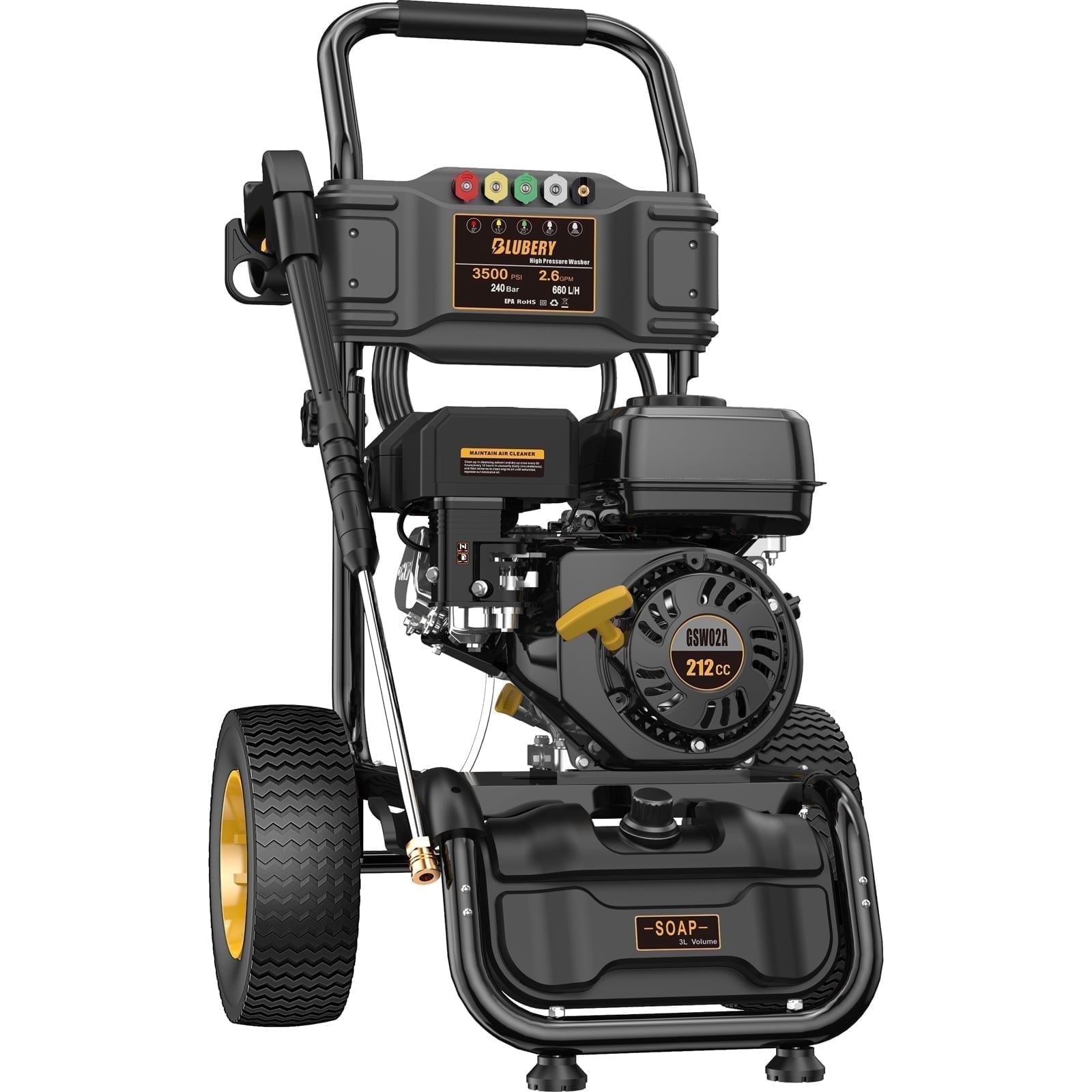
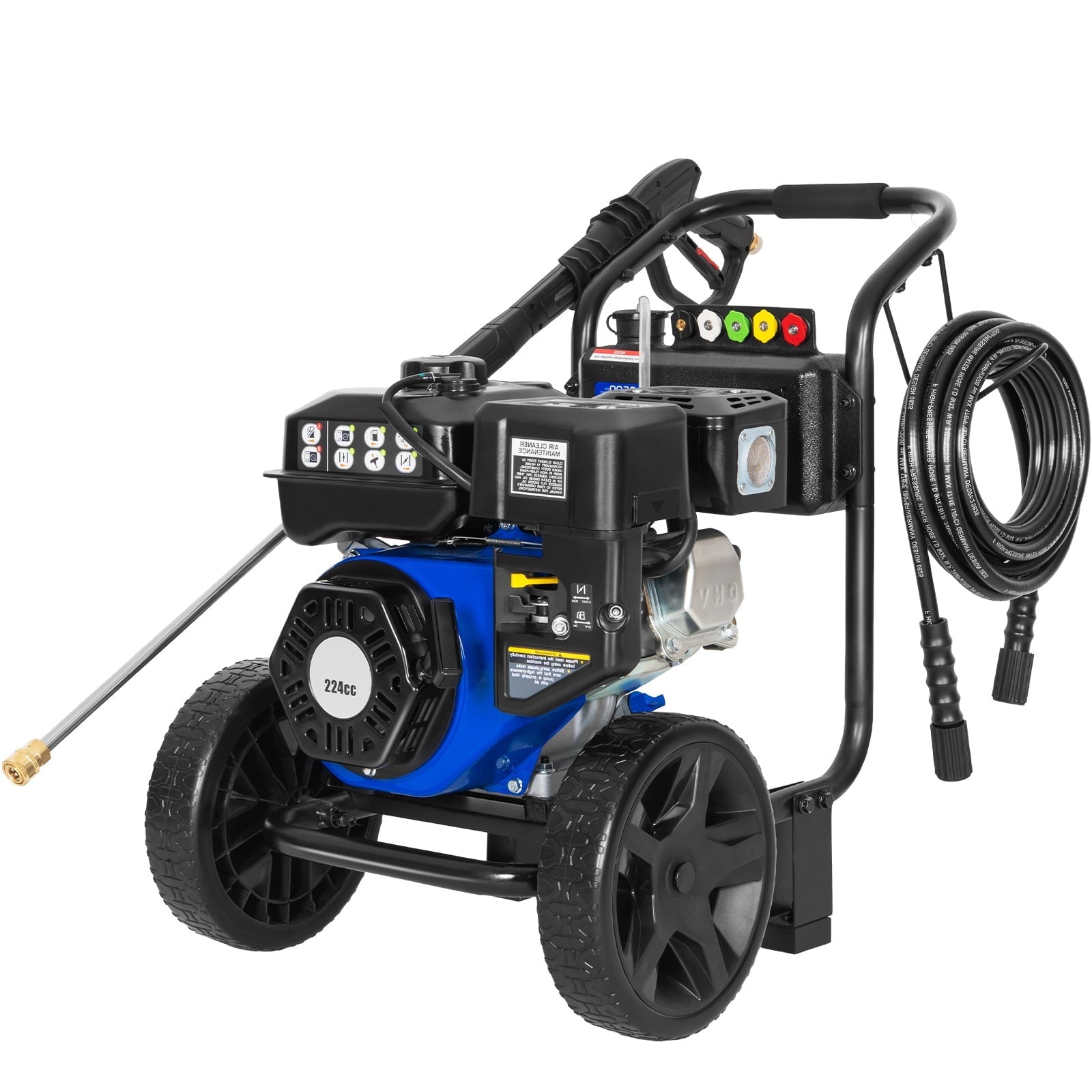
3500 PSI Pressure Washers




Correction of product information
If you notice any omissions or errors in the product information on this page, please use the correction request form below.
Correction Request Form